Slide Watermark Remover
- Gamma PPTX and PDF
- NotebookLM slide decks
- NotebookLM PDFs
- Video Overviews
- Slides and infographics as images
Remove the “Made with Gamma” badge and the NotebookLM mark from slide decks, PDFs, infographics and overview videos. Everything runs in your browser; nothing is uploaded.
Opening and previewing is free; a download counts as one export. Check that nothing is uploaded
Your file in, a clean corner out
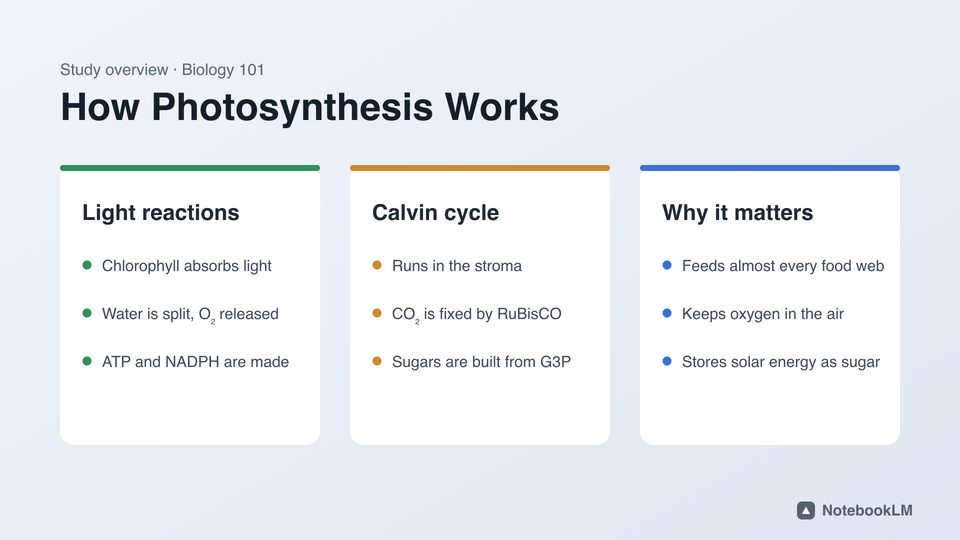
Choose a watermark type on the left and the box moves on this sample slide.

Before

After
The corner of this sample, before and after, cleaned by the same engine.
How it works

q4-review.pptx
Opened in this tabFirst it lands here.The file opens in this browser tab. Nothing is sent anywhere.
q4-review.pptx
1 badge found- “Made with Gamma” on slide layout 1, linked to gamma.app
Then the mark is found.A badge shape and its gamma.app link in the XML, or the pixels that stand out in a picture’s corner.
q4-review.pptx
- Badge shape deleted (done)
- gamma.app link deleted (done)
- Slides packed back in (next)
- Saved as .pptx (next)
Then only the mark goes.Text boxes, charts and notes stay as they were. Picture corners are rebuilt from the background.

q4-review-clean.pptx
Download PPTX3.8 MB
Then you save it.Same format, the same name with “-clean”, ready for PowerPoint, Keynote or Google Slides.
What stays as it was
The engine removes the mark and nothing else, whatever the format.
Keep the deck editable
Gamma badges are deleted from the XML: 0 pixels redrawn, and every text box is still a text box.
Keep the file on this device
0 bytes uploaded. The server only counts free exports; your browser’s Network tab shows it.
Keep PDF text sharp
Keep the narration in videos
Keep the format you exported
Before and after, by this engine
The sample slide, start to finish
Recorded in this tool: open the sample, check the box, remove the mark, compare. Seven seconds, and nothing leaves the browser.
Gamma PPTX and PDF
The “Made with Gamma” badge is a shape with a gamma.app link on your slides or slide layout. It is deleted from the XML, so the deck stays fully editable.


NotebookLM slides
NotebookLM .pptx slides are full-slide pictures. The corner of each picture is rebuilt and packed back into a valid deck.
NotebookLM PDF
Each page image is cleaned in place at its original resolution, so slide text stays sharp.


Video Overviews
The mark is found across frames and removed from every frame of the MP4; the narration is copied unchanged.


Pro, no daily limit
- Unlimited .pptx, .pdf, image and .mp4 exports
- The same engine and quality as Free
- Files still never leave your device
- Cancel any time; billing by Stripe
Free stays free: 2 exports a day without an account, reset at 00:00 UTC. Opening files, previews and the samples never count.
What does Slide Watermark Remover remove?
The visible corner marks that AI presentation tools add to exports: the “Made with Gamma” badge in Gamma PPTX and PDF files, and the NotebookLM mark on Slide Decks (PPTX and PDF), infographics and Video Overviews. A Custom box handles marks in other places.
Are my files uploaded?
No. PowerPoint, PDF, image and video files are opened and rewritten in your browser. The server only counts free exports. You can check this in the Network tab of your browser’s developer tools.
Does it blur the corner?
No. It fits the background around the mark (flat colour or gradient), finds the pixels that stand out, and rebuilds only those from the clean pixels around them. For Gamma PPTX files no pixels change at all: the badge shape is deleted.
Will my PowerPoint still be editable?
Yes. The cleaner only removes the badge shape and its link, or rebuilds the corner inside slide pictures. Text boxes, charts, notes and layouts stay as they were.
How much does it cost?
Two exports a day are free without an account. Pro is unlimited for $4.99 a month or $29.99 a year. Opening files, previewing the result and the sample files are always free.
Which browsers work?
Any recent browser for PPTX, PDF and images. Video needs WebCodecs: recent Chrome or Edge on a computer.
Is this affiliated with Gamma or Google?
No. Slide Watermark Remover is an independent browser tool, unaffiliated with Gamma Tech, Inc. or Google LLC. You are responsible for complying with your own plan and licence terms.
What can’t it remove?
Invisible watermarks such as SynthID, marks printed over busy photos (they can look smoother than the photo), password-protected PDFs, and old .ppt files (save them as .pptx first).